



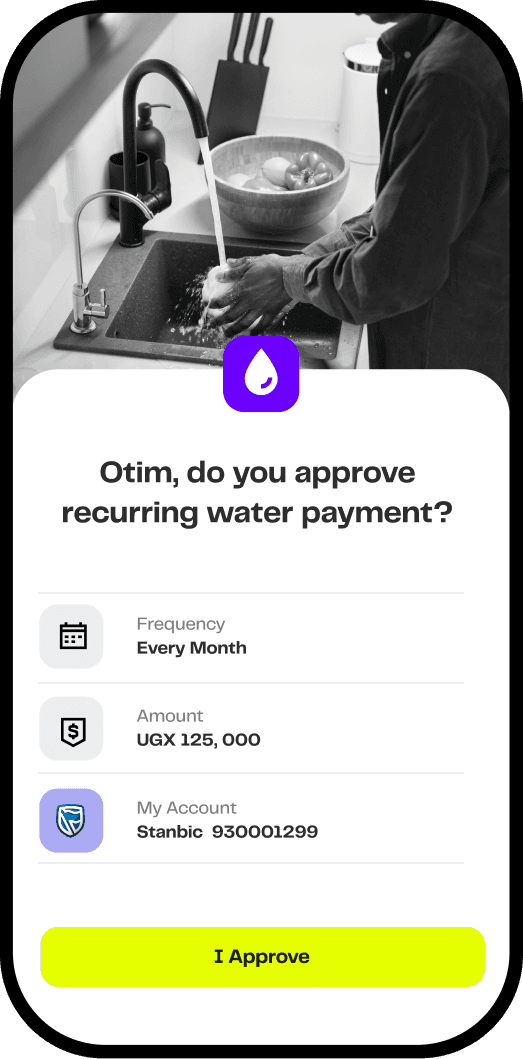


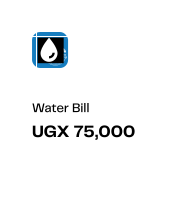
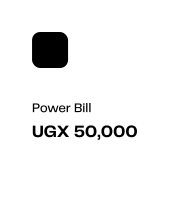
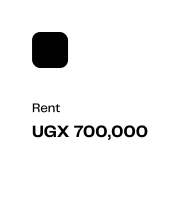

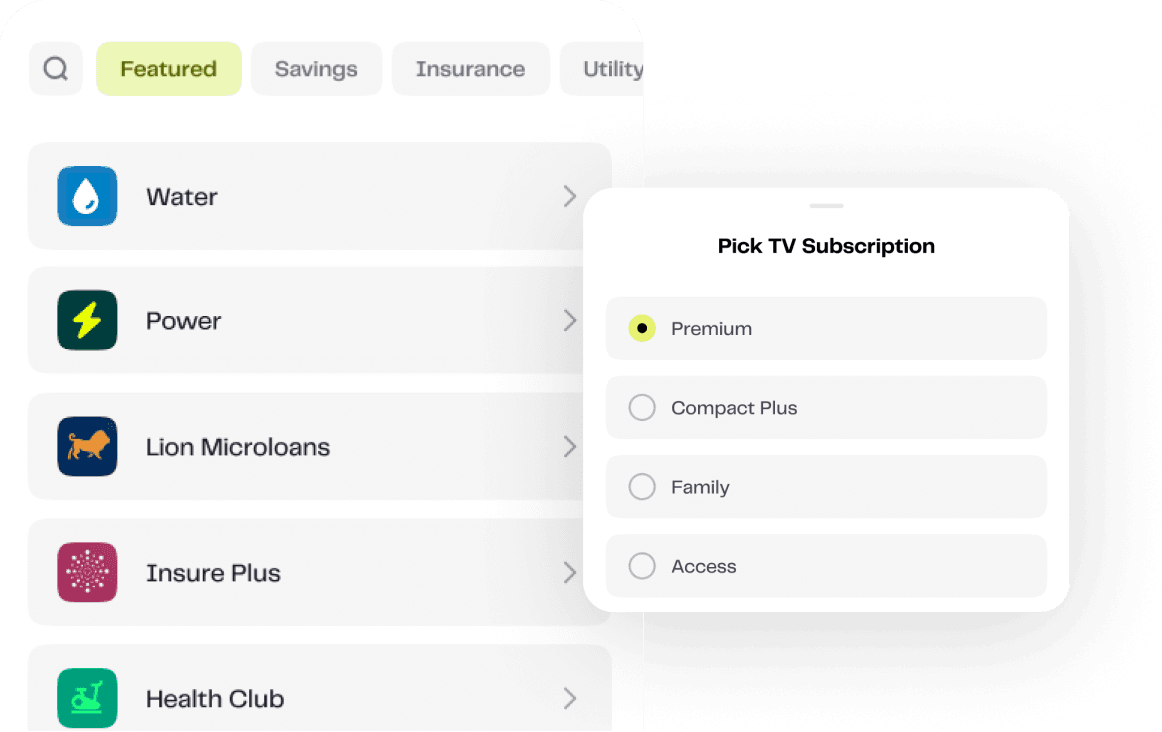
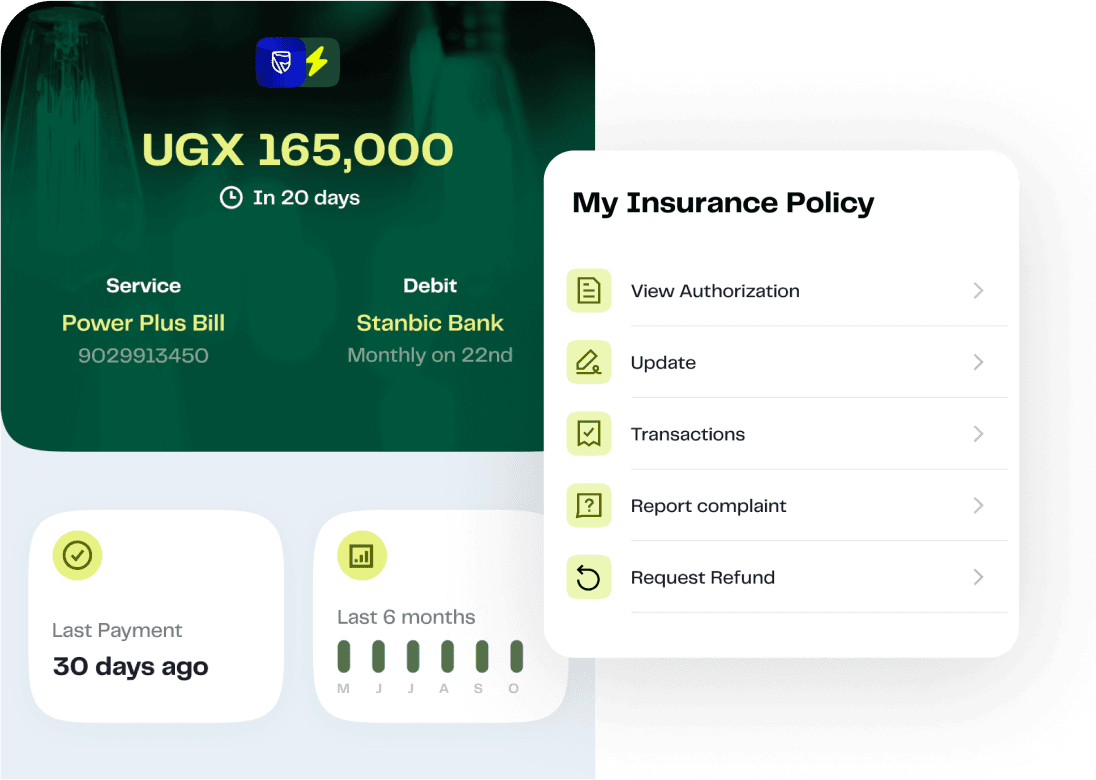





AutoPay connects to your bank account or mobile money wallet. Once you authorize a payment setup, AutoPay automatically pulls the exact amount on your schedule—monthly, weekly, or custom. You get notified before each payment, and you can pause, edit, or cancel anytime from the app.

From TV and gym memberships to power, water, and savings—Rexial AutoPay handles every recurring payment automatically, so you stay connected.
From power bills to rent and beyond
Every month, you're juggling bills across different apps, networks, and due dates—hoping nothing slips through.
What if every bill paid itself, on time, every time?

AutoPay
Rexial AutoPay
Automate your essential bills
Rexial AutoPay handles every recurring payment—securely, automatically, and on your schedule. No more forgotten bills, last-minute transfers, or service cutoffs.


Pay Bills Automatically
Never miss DStv, power, water, rent, or school fees again. AutoPay handles every payment on schedule—no reminders needed.

One-Time Secure Approval
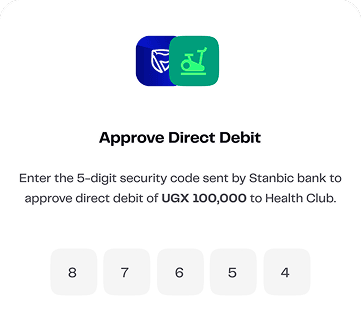
Authorize once through your bank or mobile money. That's it. AutoPay takes care of every payment from there.

Smart Reminders
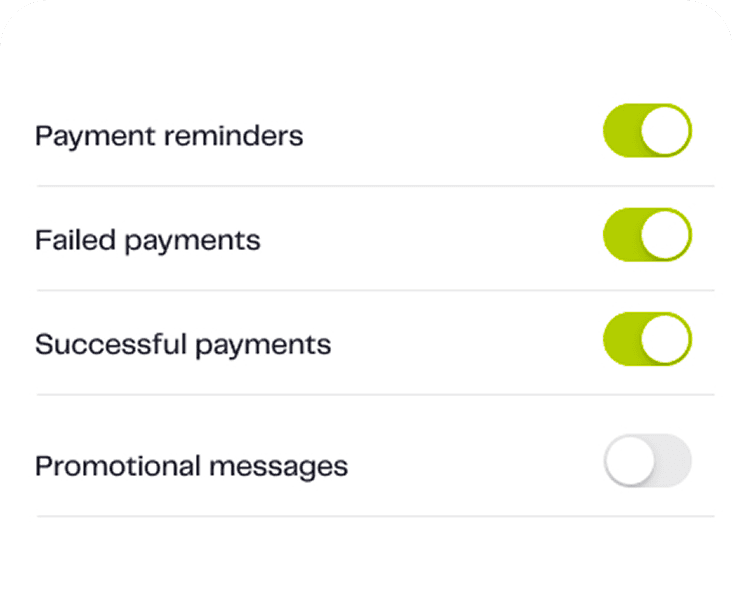
Get notified before each payment goes through. Track your payment history and upcoming bills—all in one place.
Total Control
Pause, edit, or cancel any payment anytime from your phone. You're always in charge.
Download AutoPay to automate your payments
Download and set up Rexial AutoPay in minutes and let it handle your recurring bills every month, securely and automatically.
"Before AutoSave, I was always postponing my monthly savings. Now, the money moves automatically into my child's education goal every month without me lifting a finger."


AutoPay Frequently asked questions
Ready to automate your payments? Download AutoPay from the App Store or Google Play
- 01
- 02
Anything recurring: TV, power, water, internet, rent, school fees, gym memberships, unit trust investment contributions, insurance premiums, loan repayments, donations. If you pay it regularly, AutoPay can handle it.
- 03
Yes. Rexial is licensed and regulated by the Bank of Uganda as a Payment System Operator. We use bank-grade encryption and secure authorization—you approve every setup once, and only the exact amount you authorize gets debited. No surprises, no unauthorized charges.
- 04
Absolutely. You're always in control. Pause, edit the amount, change the schedule, or cancel any payment anytime directly from the app. Changes take effect immediately.
- 05
AutoPay will notify you before attempting the payment. If your account balance is low, the payment fails safely—no overdraft fees, no penalties from us. We'll retry based on your settings and notify you when to top up. You stay in control.
- 06
AutoPay is free to download and use. Your bank or mobile money provider may charge standard direct debit fees (check your bank's tariff guide). Rexial doesn't add extra charges—you only pay what your bank normally charges for automated payments.
- 07
Yes, to authorize payments. You link your bank account or mobile money wallet once through secure authentication. This lets AutoPay pull payments on your behalf—just like giving permission for a standing order, but smarter and fully under your control.
- 08
If a payment fails (due to low balance or network issues), you'll get an instant notification. AutoPay can retry automatically based on your preferences, or you can manually retry from the app. No service gets cut off without you knowing.
- 09
AutoPay is designed for recurring payments, but you can set up a payment that runs just once if you prefer. It's flexible—schedule it your way.
- 010
Download AutoPay from the App Store or Google Play, sign up with your phone number, add your first payment (choose the service, amount, and schedule), and authorize it securely through your bank. That's it—AutoPay handles the rest.


